Total Stations
A full Android measurement platform, built into the total station itself.
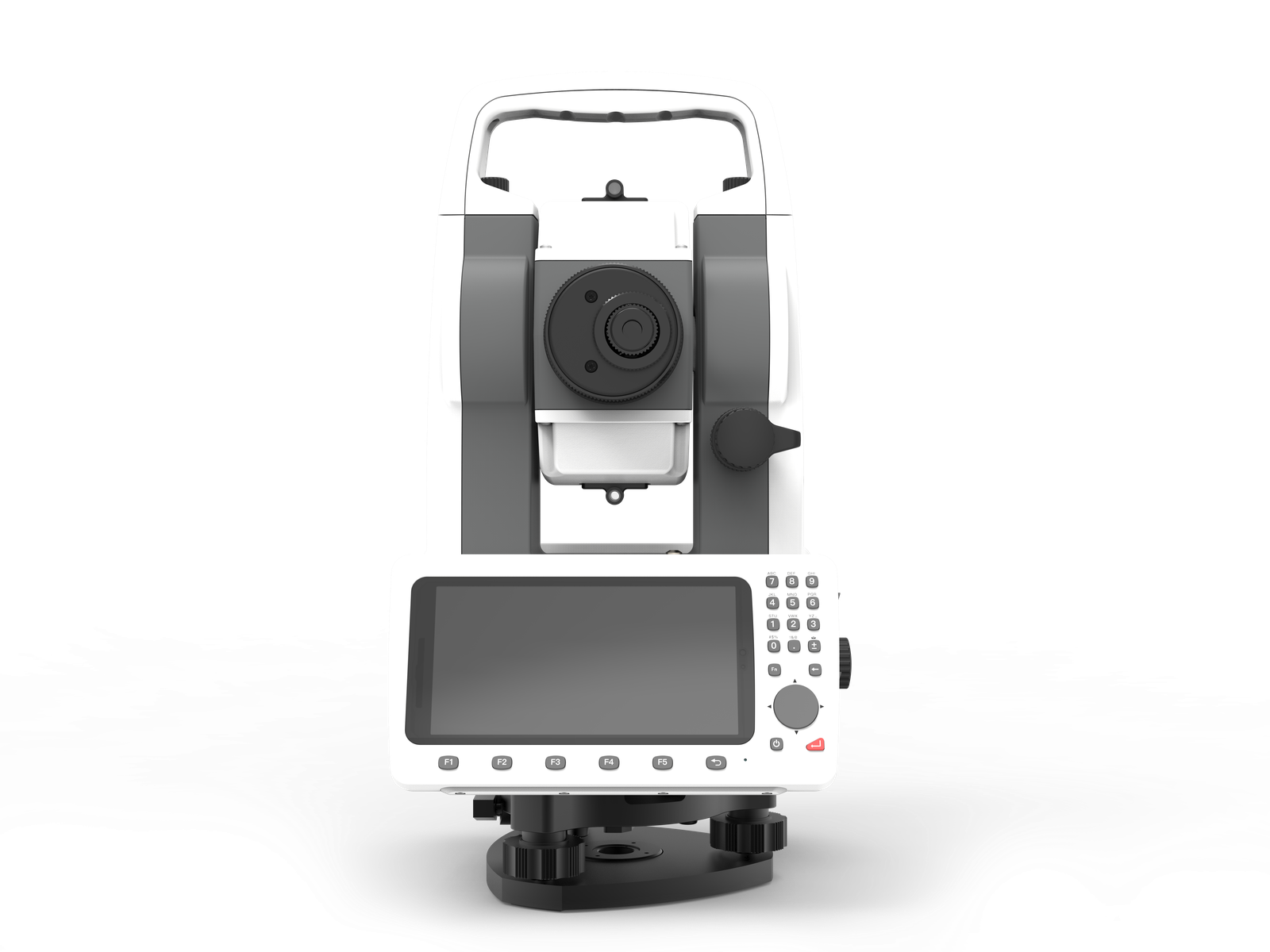
PRECISE T3 runs CAD project data, layout graphics, and field software directly on an 8-core, 4 GB RAM Android platform inside the instrument, and it's open: install the third-party apps your team already relies on, with no vendor lock-in.
See It In Action
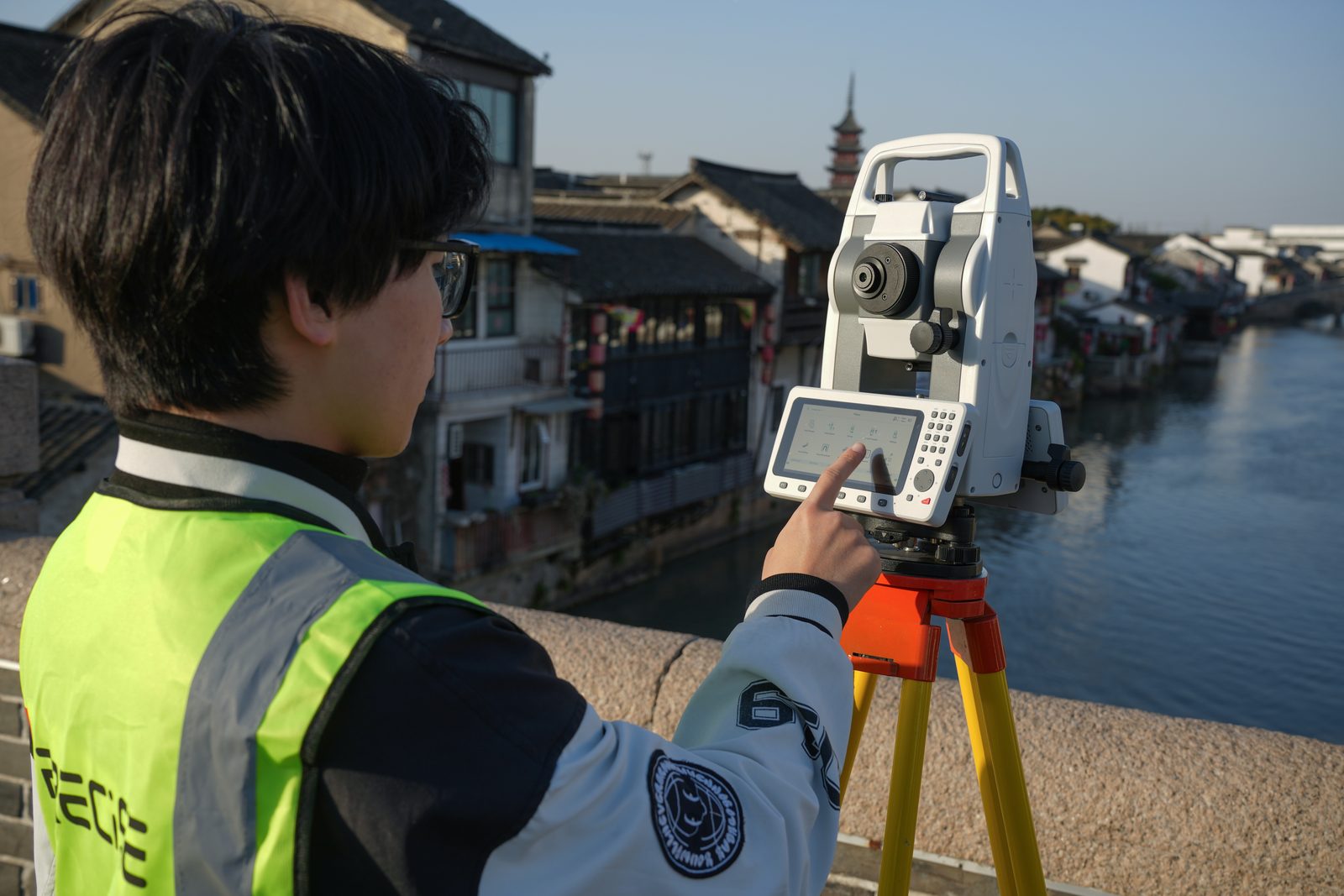
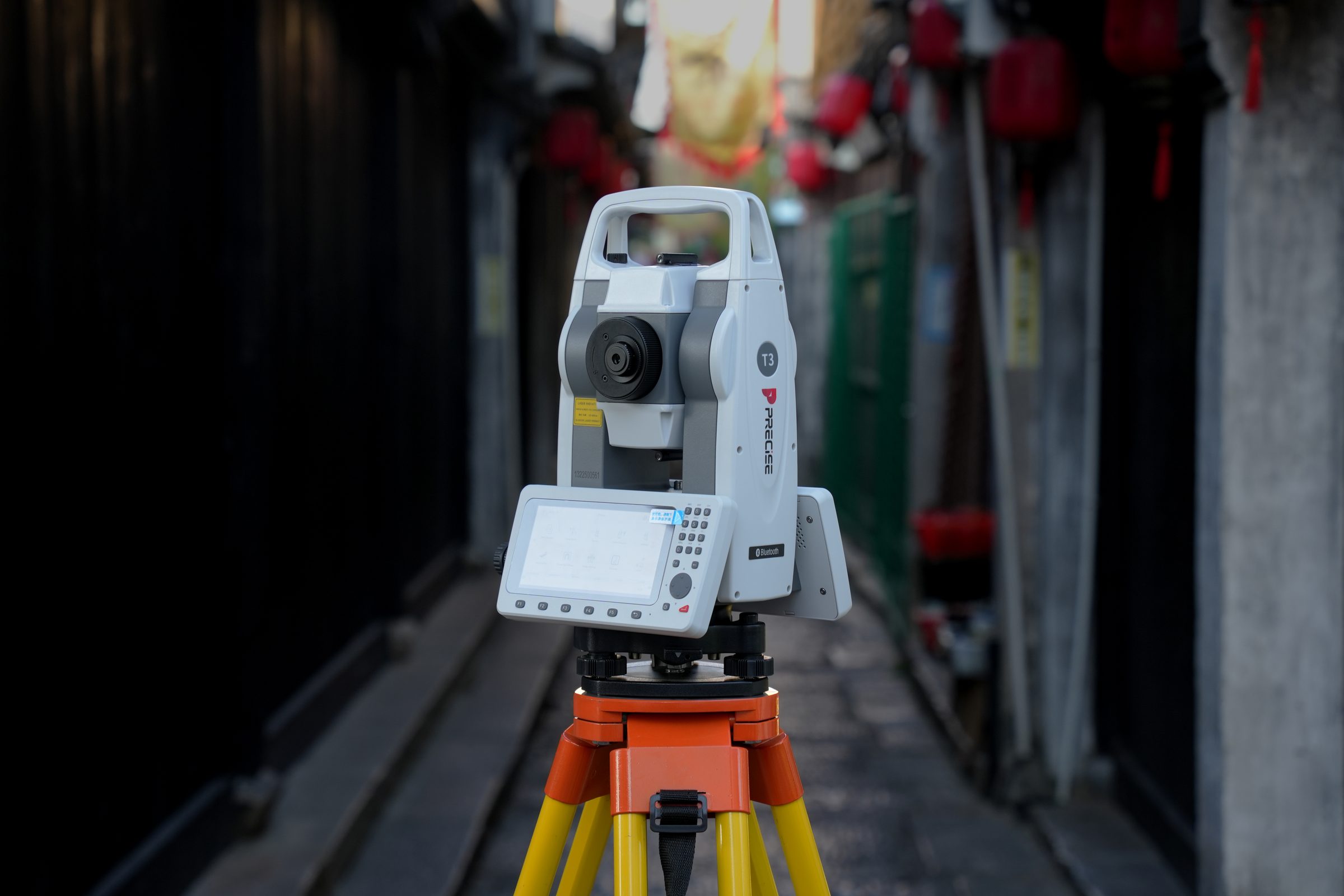
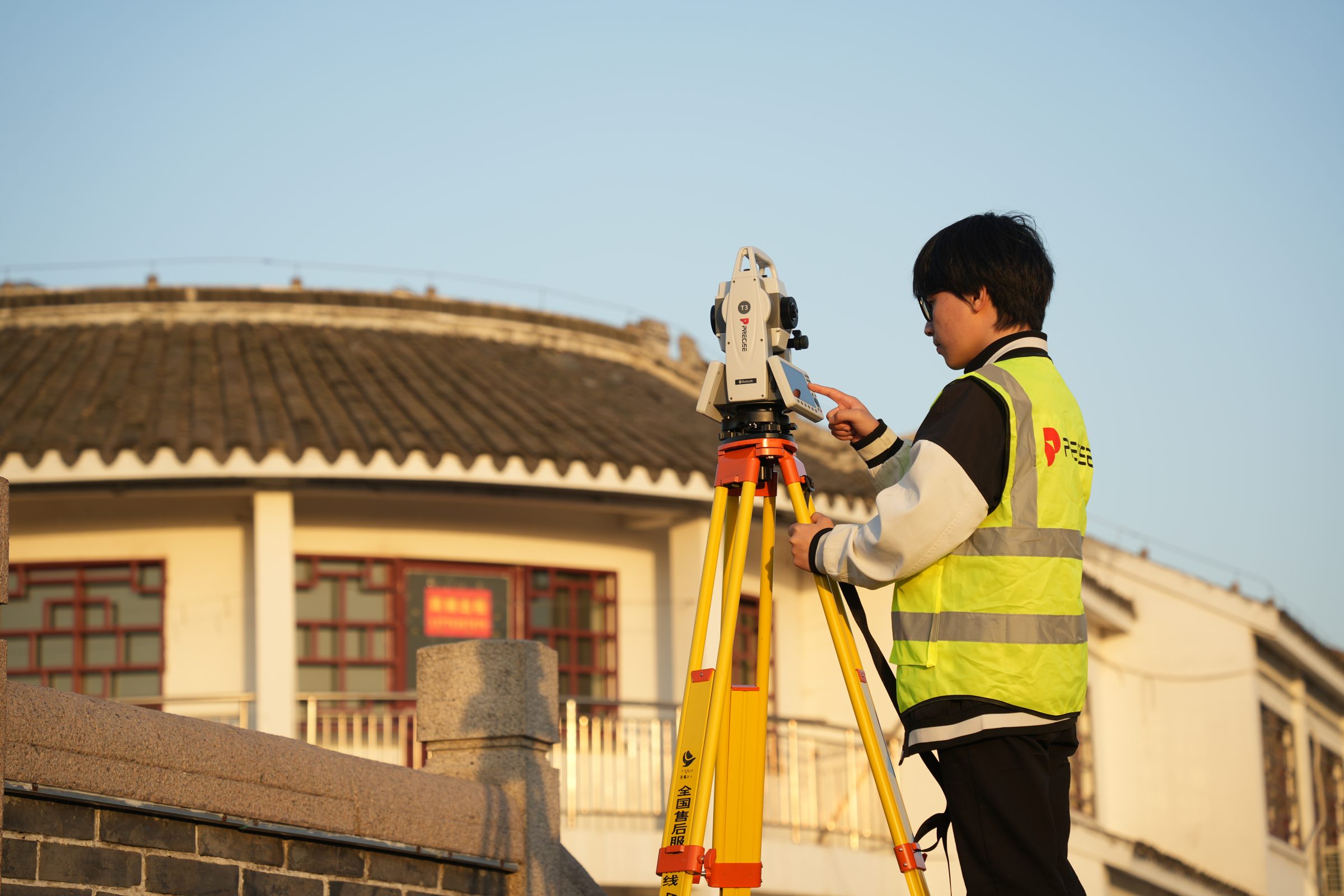
T3 in the Field
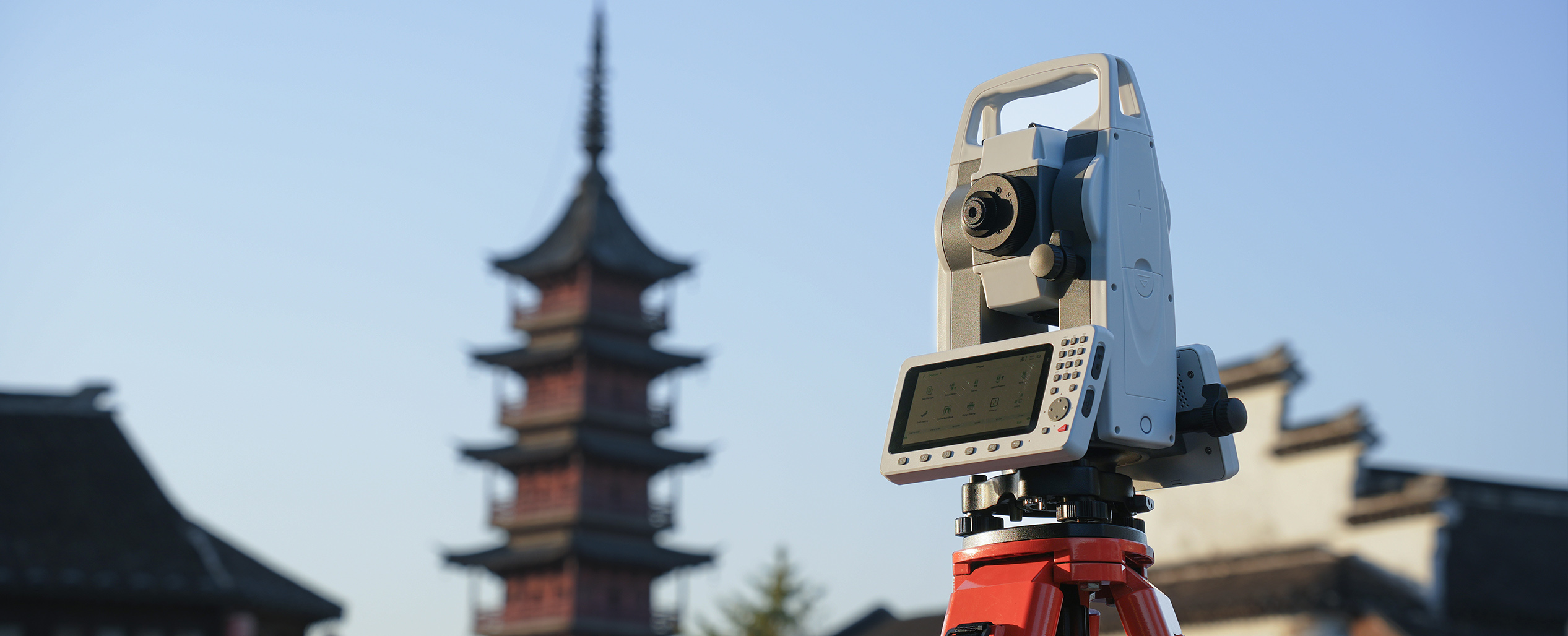
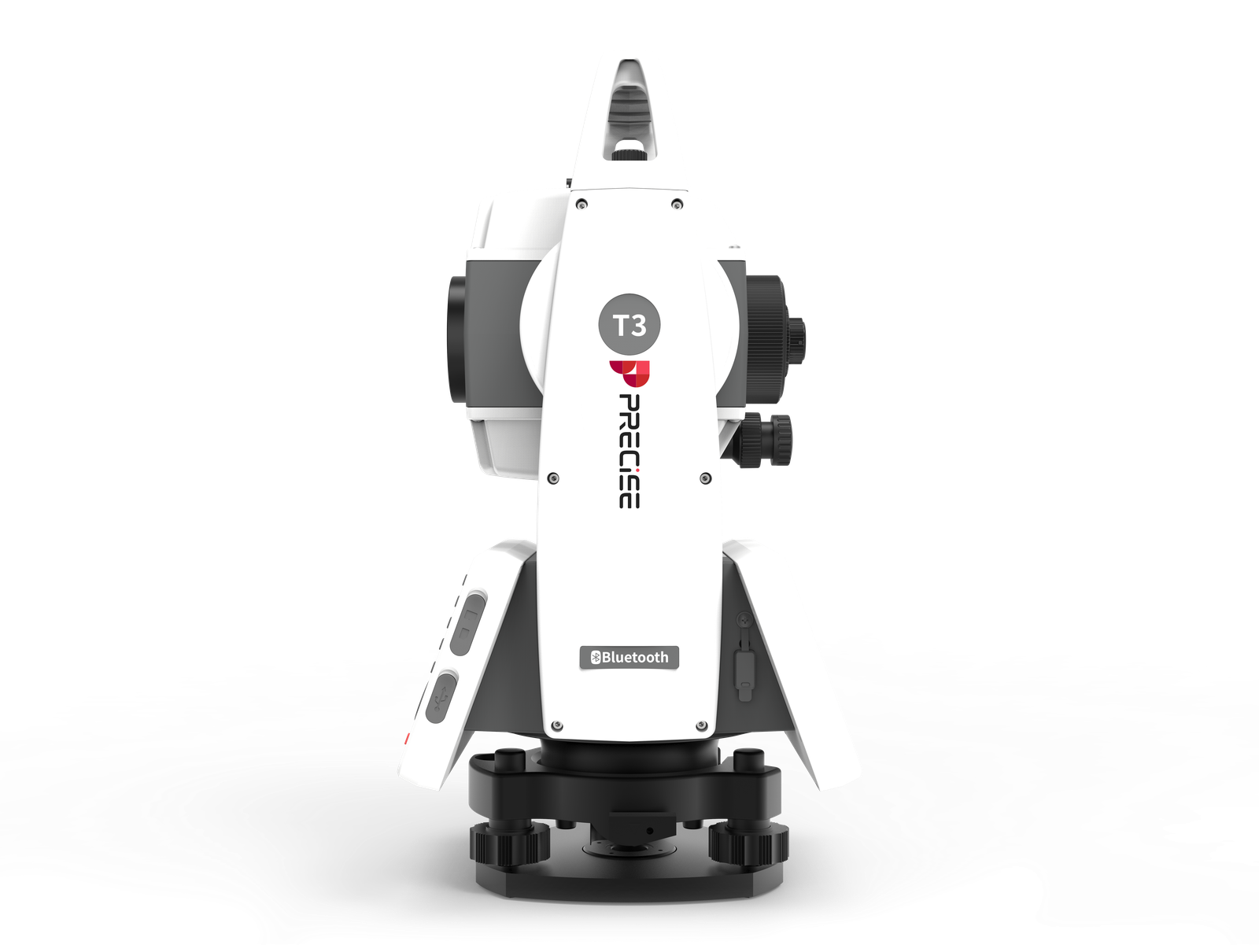
PRECISE T3 is a mechanical total station built on a full, open Android platform, so CAD project data and field software run directly on the instrument instead of a separate controller. Where T3 Lite keeps a traditional keypad-and-screen workflow, T3 adds on-board CAD viewing and third-party app installs.
Challenge
Field measurement has moved into digital workflows, but many total stations still run software built for basic angle-and-distance recording, not for viewing CAD layers or managing large project files. That gap forces crews to pre-process drawings on a laptop before heading out, work from point-and-code lists instead of seeing the project graphically on site, and shuttle data back and forth on cables or USB drives.
Solution
T3 puts a complete Android platform inside the instrument, running CAD/DXF viewing, layout graphics, and project data management directly on the total station. Because the system is open Android, crews can also install their own third-party apps, instead of being confined to a single closed workflow.
Value
Surveyors see the project graphically in the field, select points and lines directly from CAD layers instead of code lists, and move data in and out through whatever connection the job site has available, cutting down on laptop pre-processing and round trips to the office.
Key Benefits
Why T3
On-Board CAD Viewing
CAD and Project Data Live on the Instrument
Crews can view the actual project drawing on site, select the point or line they need to stake out visually, and catch discrepancies between design and ground faster than working from a point list.
This is field-ready CAD viewing and selection, not a full CAD design or editing environment.
Open Android Platform
Genuinely Open: Install the Apps You Already Use
Teams already standardized on specific field software, cloud sync tools, or in-house apps can run them directly on T3, instead of being forced onto a proprietary platform.
Unlike single-vendor mechanical total stations built on closed firmware, T3 ships as an open Android device.
Prism-Free EDM
Long-Range Measurement Without a Prism at the Target
Surveyors can measure building facades, high or hard-to-reach points, and other targets where placing a prism isn't practical or safe, without a second person to hold one.
Actual usable range depends on target reflectivity, incidence angle, weather, sunlight, and atmospheric conditions.
Six-Way Connectivity
Data Moves In and Out With Less Friction
Project files load and measurement results export through whichever connection is available on a given site, with software kept current without a service center visit.
0-Way
Data Connectivity Methods
Cloud service availability and OTA update behavior can vary by region.
Applications
Where It's Used
Customers
What Our Customers Are Saying
Michael Tran
Vietnam
“With PRECISE T3, I can finish daily layout tasks 30% faster, even when working solo. The one-click measurement is a real game changer.”
Luis Fernández
Spain
“I was surprised how smooth the Android system is. I installed our own apps, synced data over 4G, and didn't need a PC at all.”
Nurul Hassan
Malaysia
“I've used many total stations, but T3 is by far the easiest to learn. I trained two new crew members in one morning, they were on site by lunch.”
Diego Martínez
Mexico
“The one-click shortcut, tilt correction, and reflectorless range make solo work smooth. I don't need to wait for anyone to start measuring.”
Technical Highlights
Engineered Detail
Open Android platform most Android total stations in this category run a closed or vendor-locked software layer; T3's open system accepts third-party app installs.
On-instrument CAD and project data T3 loads and displays large DXF files and CAD layers on the instrument itself, with graphical point/line selection feeding directly into stakeout (CAD viewing and selection, not full CAD editing).
Dual-axis compensation and absolute encoding a dual-axis tilt compensator (±4′ range, 1″ resolution) combined with an absolute encoding angle measurement system delivers 2″ angle precision.
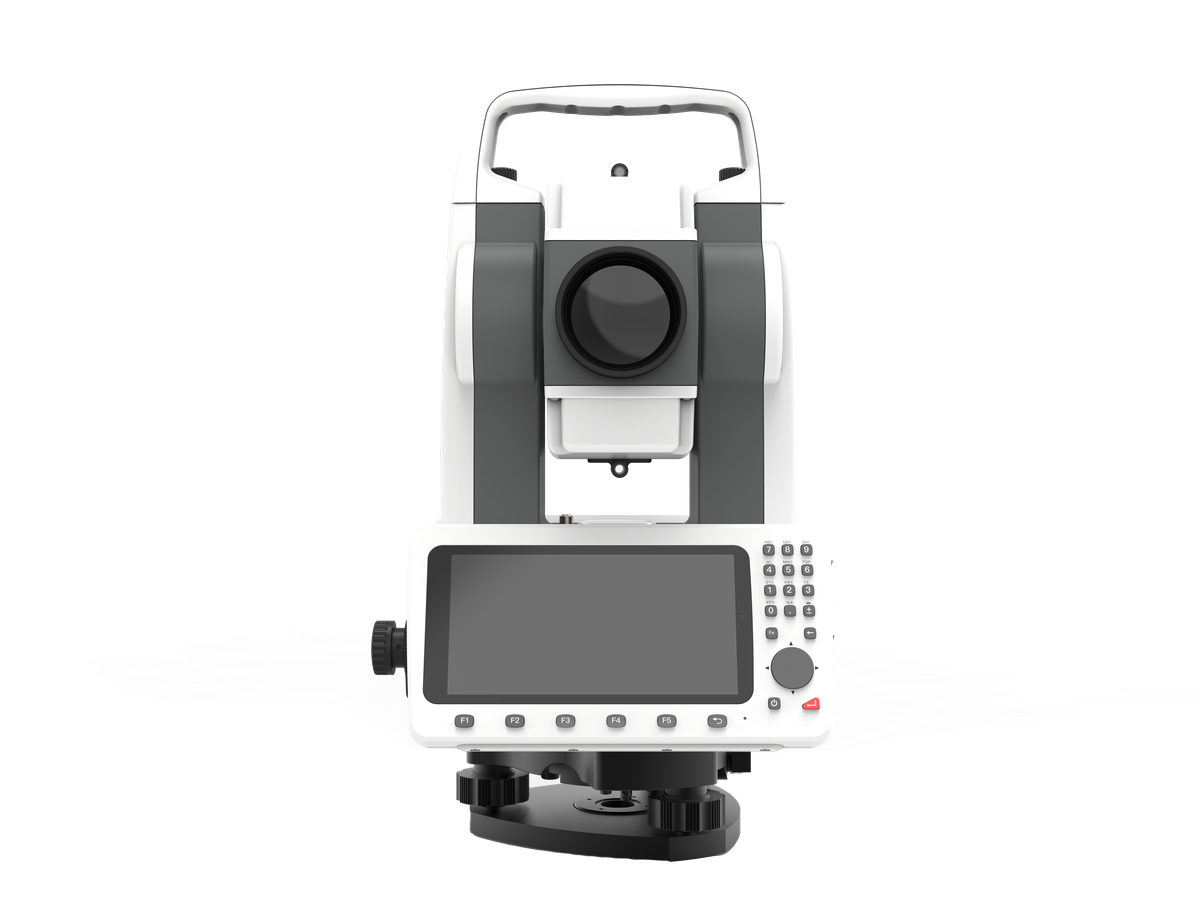
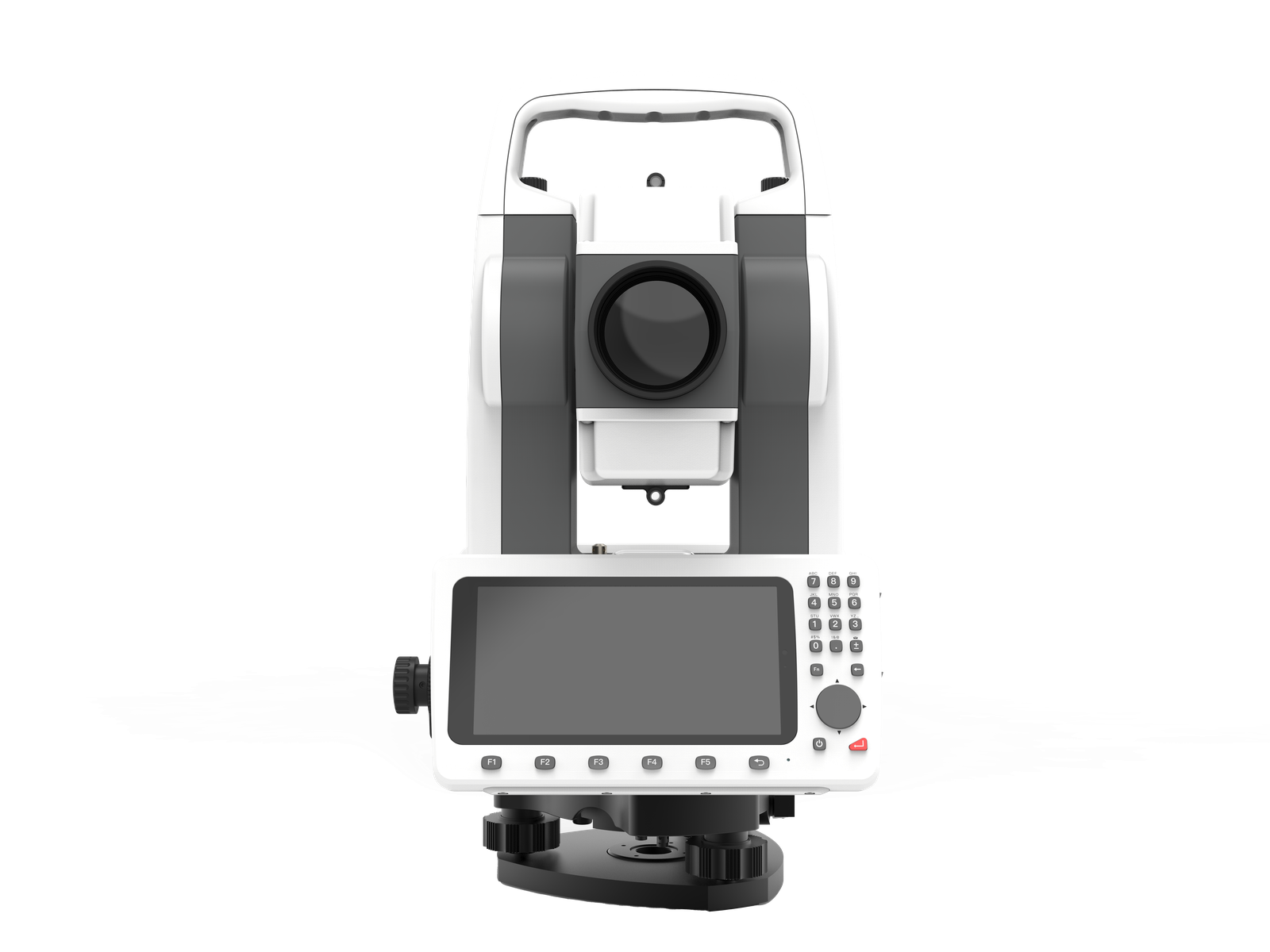
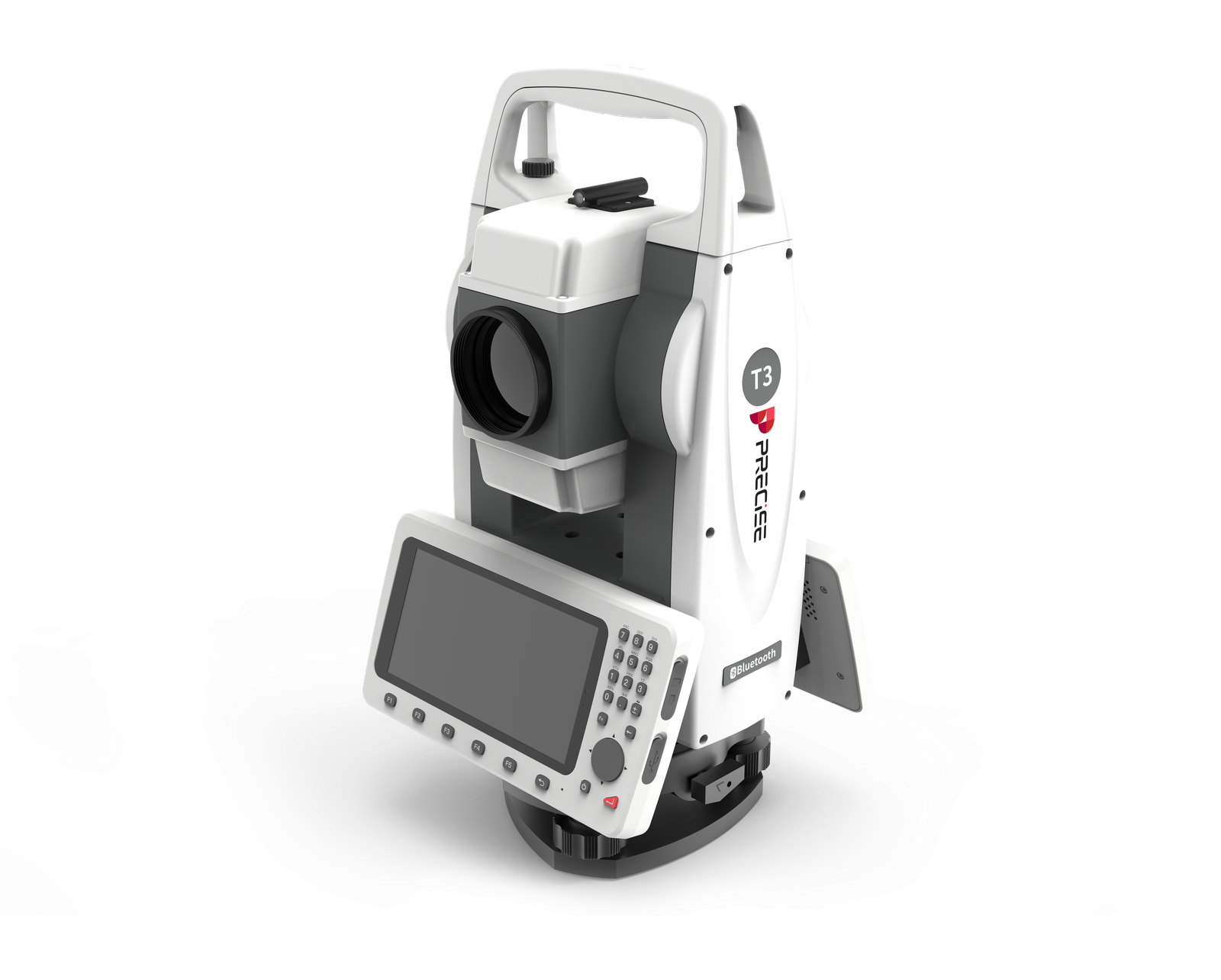
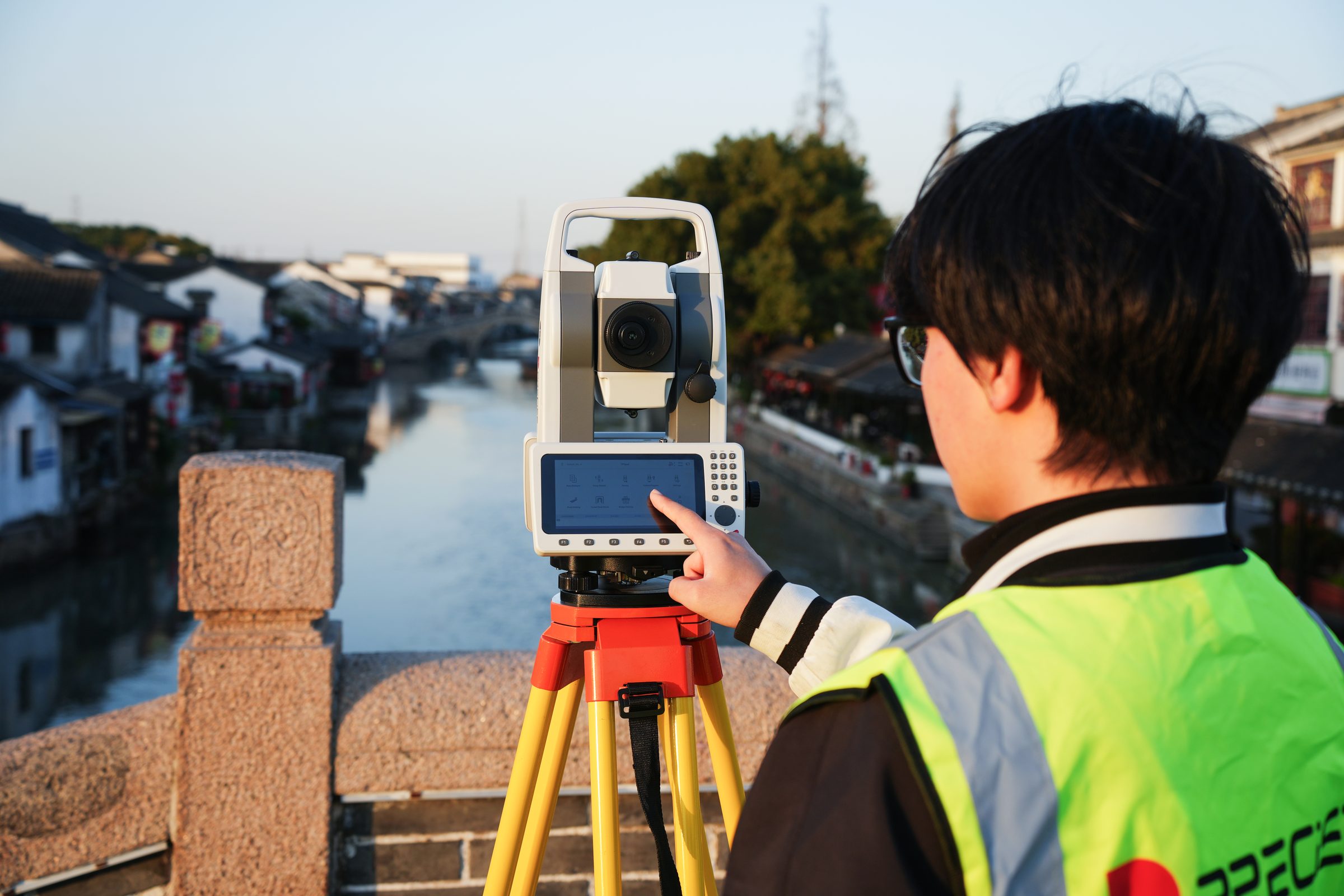
Dual interaction model a 5.5″ semi-translucent, semi-reflective touchscreen (readable in daylight) handles graphics and menu navigation, while a 26-key backlit keypad handles fast, precise numeric entry.
Six-way data connectivity USB, Bluetooth, Wi-Fi, 4G, U-disk, and email, plus cloud backup and OTA firmware updates.
Long-range, multi-mode EDM up to 200 m on a high-precision reflective sheet, 5,000 m on a single prism, and 1,000 m prism-free, with fine/rapid/tracking measurement modes (0.7 s / 0.5 s / 0.3 s).
Dual-battery, full-day power two 3,400 mAh batteries support up to 20 hours of angle-only measurement or 12 hours of combined distance-and-angle measurement (single screen).
Technical Specifications
Full Spec Sheet
System Platform
Telescope
Angle Measurement
Distance Measurement
Tilt Compensator
Power Supply
Panel & Environmental
How It Works
From Setup to Result
Load Your Project
Import DXF/CAD project files directly onto T3 through USB, Wi-Fi, 4G, or U-disk, with no mandatory laptop pre-processing step.
View the Project Graphically
Navigate CAD layers, select the point or line you need on the touchscreen, and confirm its location relative to what you're seeing through the telescope.
Measure
Sight the target through the 30× telescope; the dual-axis ±4′ compensator corrects for minor leveling error, and the EDM returns a distance reading using reflective sheet, prism, or prism-free mode as appropriate.
Record and Cross-Check
Use the touchscreen for graphical selection and the physical keypad for fast numeric entry, switching between the two as the task calls for it.
Move Data Out (or In More Apps)
Export results via USB, Bluetooth, Wi-Fi, 4G, U-disk, or email; back up to the cloud where available; and install any additional third-party field applications your team relies on.
FAQ
Common Questions
No. T3 is a mechanical total station with a full Android computing platform on board. It does not have automatic target search, automatic prism tracking, or motorized auto-aim; every sight is operator-driven, the same as any mechanical instrument. What T3's Android platform changes is the software, graphics, and data experience layered on top of standard mechanical measurement.
T3 runs on an open Android system, which means third-party applications can be installed directly on the instrument. This is a meaningful difference from many Android total stations in this category that run a closed or vendor-restricted software layer.
T3 supports importing DXF files, displaying CAD layers, and graphically selecting points or lines for stakeout, all directly on the instrument. This is field-ready CAD viewing and selection, not a full CAD drafting or editing environment; design changes still happen in your CAD software of record.
T3's rated prism-free range is up to 1,000 m, with accuracy of ±(3 mm + 2 ppm × D). That maximum applies under favorable conditions on a reflective target; actual usable range depends on the target's reflectivity, incidence angle, weather, sunlight, and atmospheric conditions.
They're built around different software structures, not a high/low price tier. T3 runs a complete Android measurement platform, including CAD viewing and project data, on the instrument itself. T3 Lite keeps core angle/distance measurement on the instrument and connects to third-party field apps (like DiMap Pro or Surveyor) over Bluetooth when a project needs more than the onboard programs.
T3 is rated IP54 for dust and water resistance, with an operating temperature range of −20°C to +50°C and storage range of −30°C to +55°C. The laser plummet is Class 2, at a 635 nm wavelength.
T3 supports six connection methods (USB, Bluetooth, Wi-Fi, 4G, U-disk, and email), along with cloud backup and OTA firmware updates. Exact cloud service coverage and update behavior can vary by region.
Get in Touch
Talk to PRECISE About T3
Tell us about your project and we'll route it to the right PRECISE team.
- Sales: sales@precise-geo.com
- Support: support@precise-geo.com
See what an open Android total station can do on your next layout job.
Tell us about your project files, the apps your team already relies on, and the range of targets you need to measure, and a PRECISE engineer will help you configure T3 for your workflow.